Best Tools for User Testing (Beginner Setup That Won’t Make You Cry Into Your Coffee)
If you’re diving into the world of user testing, welcome to the club — the club where you get paid to click around websites, talk out loud to your laptop, and occasionally question your life choices when a test asks you to “pretend you’re shopping for a new vacuum.”
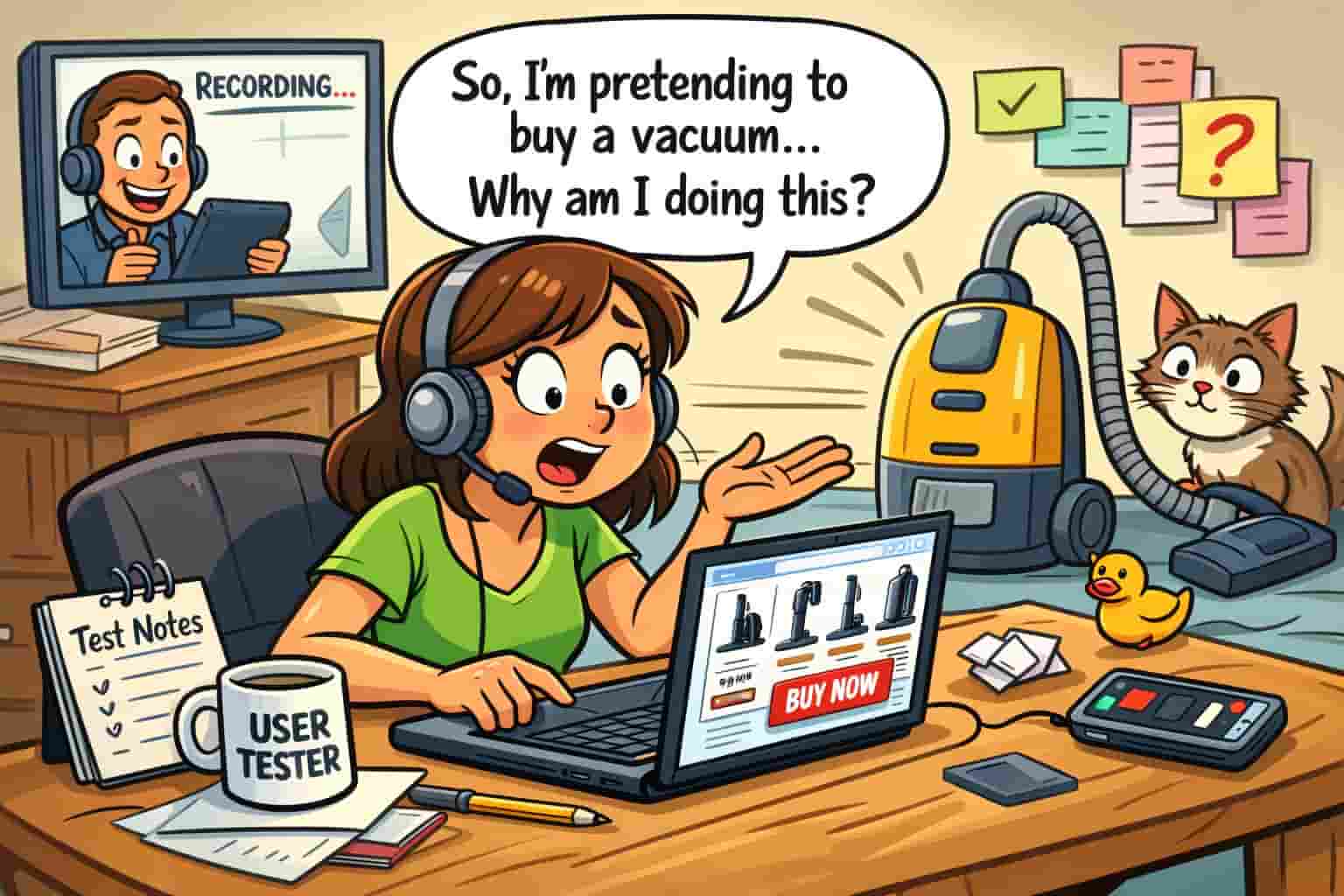
I’ve been there. I am there. And if you’re anything like me, you want to know exactly what you need to get started without spending a fortune or accidentally buying a microphone that looks like it belongs in a 1990s karaoke bar.
So today, I’m breaking down the best tools for user testing, the ones I actually use, the ones beginners love, and the ones that won’t make your wallet scream. And yes — I’ll sprinkle in some humor so you don’t fall asleep halfway through.
Before we jump in, if you’re brand new to this whole “get paid to test websites” thing, you might want to read my guide on How To Make Money Testing Websites — it’s the pillar post that started this whole cluster of chaos.
Alright. Let’s talk tools.
⭐ What Is User Testing?
User testing is basically the internet’s version of being a mystery shopper — except instead of walking into a store, you’re clicking around a website while talking out loud like you’re narrating your own documentary. Companies use these tests to figure out what’s confusing, what’s broken, and what makes people rage‑click the back button.
In simple terms:
You get paid to use websites and apps while sharing your honest reactions.
If you want to see what real tests look like, here’s a solid example from UserTesting.com — one of the biggest platforms companies use to run usability studies. Take a look here if your looking for Beginner guide to user testing jobs
What You Actually Need (and What You Don’t)
Here’s the truth:
You don’t need a $2,000 MacBook Pro, a podcast‑studio microphone, or a ring light that makes you look like a TikTok influencer.
You need simple, reliable, affordable tools that help you:
- record your screen
- speak clearly
- follow instructions
- avoid background noise
- and look somewhat human on webcam tests
That’s it.
So let’s break down the best tools for user testing — beginner edition.
1. A Reliable Laptop (The Heart of Your User Testing Setup)
Let’s start with the obvious: you need a laptop or desktop that doesn’t freeze every time you open a new tab. If your computer wheezes like an asthmatic hamster when you open Chrome, it’s time to upgrade.
Most user testing platforms require:
- a stable browser
- the ability to run screen recording
- decent processing power
- a working microphone
You do NOT need a gaming PC. You do NOT need a spaceship. You just need something that won’t crash mid‑test and ruin your rating.
I talk more about getting started in How To Become an App Tester With No Experience — so if you’re brand new, that post will help you understand the basics.
This is one of the best tools for user testing because everything else depends on it.
2. Headphones (So You Can Actually Hear What’s Going On)
Headphones are one of the best tools for user testing because they help you hear instructions clearly and block out distractions — like your dog barking, your kids arguing, or your neighbor mowing the lawn for the third time this week.
You don’t need anything fancy.
Just something comfortable with decent sound.
If you’ve ever done a test where the instructions sounded like they were recorded inside a tin can, you’ll understand why headphones matter.
3. A Good Microphone (Your Secret Weapon for Higher Ratings)
User testing platforms LOVE clear audio.
They want to hear your thoughts, your reactions, your confusion, your “why is this button here?” commentary.
A good microphone:
- makes you sound professional
- increases your approval rate
- helps you qualify for higher‑paying tests
- prevents the dreaded “we couldn’t hear you” rejection
A microphone is one of the best tools for user testing because your voice is literally the product.
If your built‑in mic sounds like you’re speaking from inside a cereal box, it’s time to upgrade.
4. A Webcam (Optional… Until It’s Not)
Some platforms require webcam reactions.
Some don’t.
Some surprise you with a “turn on your camera” prompt when you’re wearing pajamas and yesterday’s eyeliner.
A webcam is one of the best tools for user testing because:
- webcam tests pay more
- you get access to premium studies
- some platforms require it for onboarding
And no — you don’t need to look like a model.
You just need to look like a human who’s awake.
5. Screen Recording Software (Your New Best Friend)
Most platforms have built‑in recorders, but having your own tool helps with:
- practice tests
- platforms that require manual uploads
- creating sample videos
- troubleshooting
Screen recorders are among the best tools for user testing because they help you practice and improve.
Plus, if you ever want to apply to higher‑paying UX research gigs, having your own recording setup makes you look like a pro.
6. A Quiet Space (The Most Underrated Tool of All)
This isn’t a gadget, but it’s essential.
A quiet space is one of the best tools for user testing because:
- background noise ruins tests
- platforms reject unclear audio
- you sound more confident
- you get better ratings
If you live in a loud house, try:
- recording in your car
- using noise‑canceling headphones
- doing tests early morning or late night
No shame.
We’ve all done weird things for side hustle money.
7. A Note‑Taking App (Your Brain Will Thank You)
User testing requires:
- remembering instructions
- tracking tasks
- writing feedback
- staying organized
A note‑taking app is one of the best tools for user testing because it keeps you from forgetting what the test asked you to do 30 seconds ago.
My favorites:
- Google Keep
- Notion
- Evernote
- A simple digital planner
If you’re brand new, check out Best User Testing Sites That Pay Fast — it pairs perfectly with this post.
8. A Stable Internet Connection (The Silent MVP)
You can have the best tools for user testing, but if your Wi‑Fi drops mid‑test, you’re done.
A stable connection helps you:
- avoid test interruptions
- upload recordings faster
- get approved more often
- avoid the dreaded “technical issues” rejection
If your internet is spotty, plug in an Ethernet cable.
Yes, they still exist.
Yes, they still work.
9. A Comfortable Chair (Your Back Will Thank You)
This might sound silly, but hear me out.
If you’re doing multiple tests, you’ll be sitting for a while. A comfortable chair is one of the best tools for user testing because:
- you stay focused
- you avoid fidgeting
- you sound calmer
- you don’t rush through tasks
Plus, you deserve comfort.
You’re working.
10. A Simple Desk Setup (No Fancy Aesthetic Required)
You don’t need a Pinterest‑worthy workspace.
You just need:
- a flat surface
- enough space for your laptop
- room for your notes
- a place to put your coffee
A clean setup helps you think clearly and speak clearly — which is exactly what platforms want.
11. Backup Devices (Optional but Helpful)
If you want to qualify for more tests, having multiple devices is a game‑changer.
Platforms love testers who can test on:
- desktop
- mobile
- tablet
This is one of the best tools for user testing if you want to increase your earnings.
12. A Positive Attitude (Yes, Really)
User testing can be:
- fun
- weird
- confusing
- repetitive
- surprisingly entertaining
A good attitude helps you:
- give better feedback
- stay patient
- get higher ratings
- enjoy the process
And honestly?
It makes the whole thing feel less like work.
Final Thoughts: The Best Tools for User Testing Don’t Have to Be Complicated
You don’t need a fancy setup.
You don’t need expensive gear.
You don’t need to stress.
You just need:
- a decent laptop
- clear audio
- a quiet space
- a few simple tools
- and the willingness to talk out loud to your screen
⭐ FAQ — Best Tools for User Testing (Keyword‑Optimized)
1. What are the best tools for user testing if I’m a complete beginner
The best tools for user testing as a beginner are a reliable laptop, clear headphones, a basic USB microphone, and stable internet. These essentials qualify you for most platforms and help you avoid technical rejections.
2. Do I need an expensive microphone for the best tools for user testing setup
No. You don’t need a premium mic. Even budget USB microphones improve clarity and help you pass more tests. Clear audio matters more than price.
3. What equipment helps me get more user testing invites
The best tools for user testing that increase invites include a working webcam, a quiet recording space, and a fast laptop. These help you qualify for higher‑paying studies and more frequent opportunities.
4. Can I do user testing on my phone only
Yes, but you’ll get fewer tests. Mobile‑only testers miss out on most desktop studies. The best tools for user testing include both a desktop device and a smartphone for maximum earning potential.
5. What internet speed do I need for user testing
A minimum of 10 Mbps download and 5 Mbps upload is recommended. Faster speeds reduce lag, prevent recording issues, and support the best tools for user testing setups.
6. What is the most important tool for user testing overall
A clear, reliable microphone is the most important tool. Even with the best tools for user testing, unclear audio leads to rejections, so audio quality should always come first.
You may also like: User Testing Sample Test Answers or Is User Testing Worth It?